Walk with Jesus every day.

Simple, free tools to help you:

  • Stay close when life is messy
  • Make a difference for others
  • Be the disciple He created you to be

Free Resources – No Email Required

Jesus Encounter 2: Walk As His Disciple

This guided online course helps you move from simply knowing about Jesus to walking with Him day by day as His disciple.

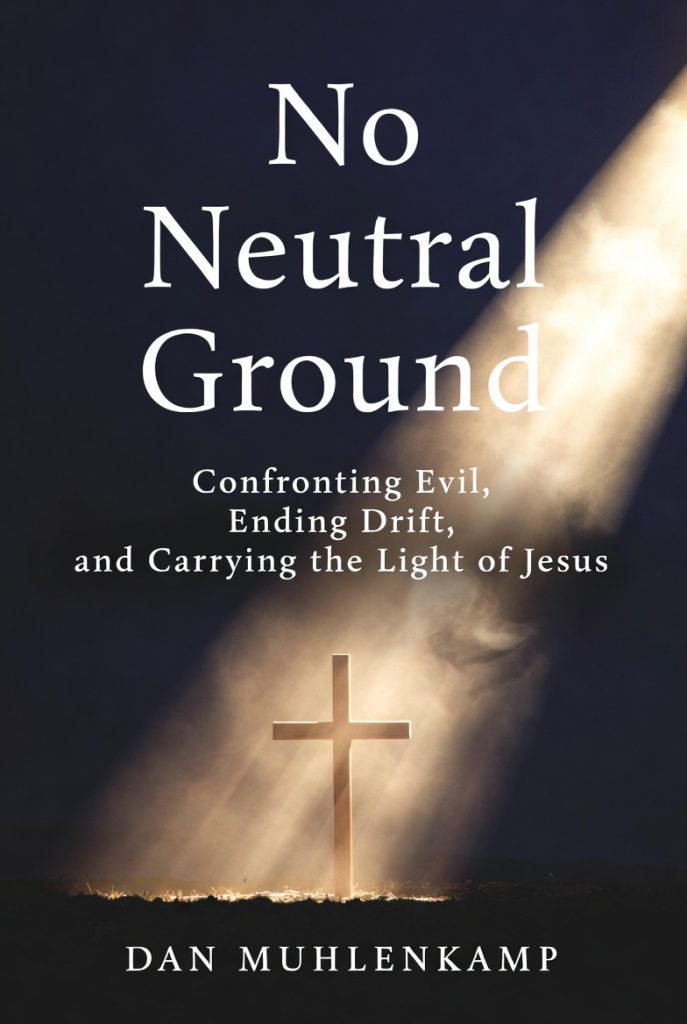
No Neutral Ground (the book)

Confronting Evil, Ending Drift, and Carrying The Light of Jesus

What if the greatest danger in your life is not open rebellion, but the lie that you are safe? This book confronts the quiet drift, spiritual blindness, and false peace that kept my soul, and perhaps yours, on the wide road—and calls us back to Jesus Christ, the only true Light.
Read more about the book
How to Read the Book on Your Phone

On iPhone or iPad:
The EPUB file usually opens automatically in the Apple Books app (already installed). Just tap the EPUB download link and choose Open in Books. It will appear in your library right away.

On Android phones:
1. Recommended: Download the free app ReadEra from the Google Play Store (no ads).
2. Tap the EPUB download link.
3. When prompted, choose ReadEra to open the file.
(If it doesn’t prompt, open ReadEra → tap the + button → find the downloaded file.)

Alternative (no extra app):
You can also use Google Play Books (pre-installed on many Android phones).

Tip: The EPUB format automatically adjusts to your screen. You can easily change font size and it reads much better than a PDF on a phone.

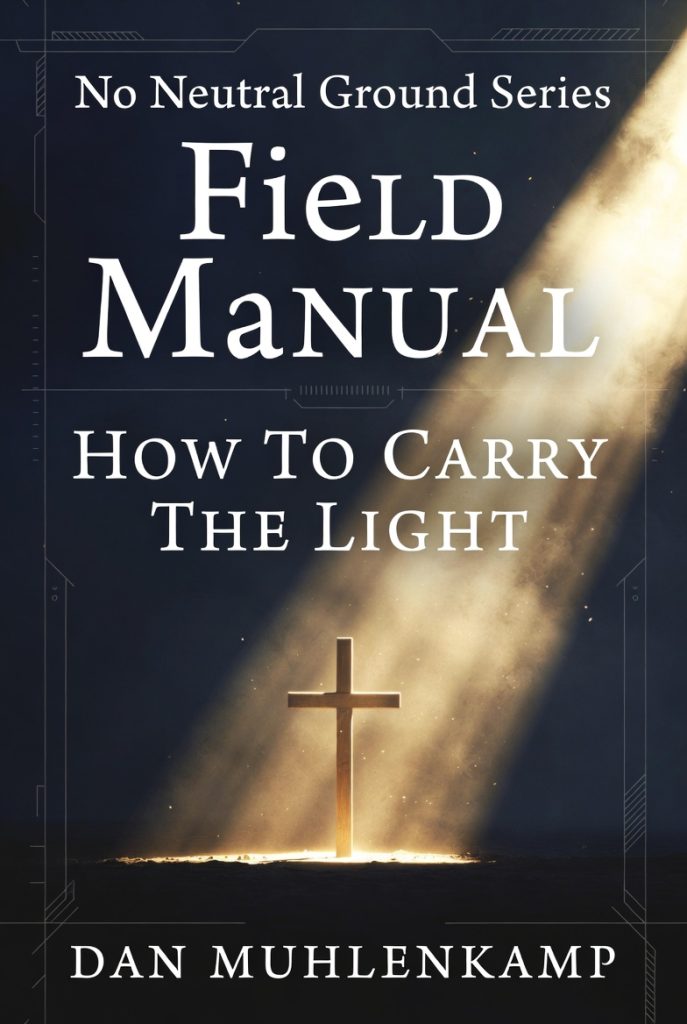
Field Manual: How To Carry The Light

I did not write this field manual to impress you. I wrote it because good intentions are not enough. If this world is not neutral, then you and I cannot afford to live casually. We need guidance. We need vigilance. We need habits that keep us close to Jesus and ready to carry His Light into a world at war.
Read more about the Field Manual

How to Read the Book on Your Phone

On iPhone or iPad:
The EPUB file usually opens automatically in the Apple Books app (already installed). Just tap the EPUB download link and choose Open in Books. It will appear in your library right away.

On Android phones:
1. Recommended: Download the free app ReadEra from the Google Play Store (no ads).
2. Tap the EPUB download link.
3. When prompted, choose ReadEra to open the file.
(If it doesn’t prompt, open ReadEra → tap the + button → find the downloaded file.)

Alternative (no extra app):
You can also use Google Play Books (pre-installed on many Android phones).

Tip: The EPUB format automatically adjusts to your screen. You can easily change font size and it reads much better than a PDF on a phone.

More in the No Neutral Ground Series

(coming soon)

  • Intimate Prayer
  • A Beginner’s Guide to the Bible (really – for real beginners)
  • Praying The Way Of The Cross